
Getting Started Guide | How to Use WordPress
How to Use WordPress
If you want to build a website, but you’re not sure how to get started, this is the place for you. Here we’ll answer the following questions:
What is WordPress?

WordPress.org
Is the free, open-source WordPress software that you can install on your own hosting account to create a website that you own completely.
WordPress.com
Is a hosted service that is powered by the same software used on WordPress.org. It’s simpler to use but loses much of the freedom and functionality of WordPress.org.
For our purposes here, we’ll focus on using the free version, which is often called self-hosted WordPress.
How Do You Create a WordPress Website?
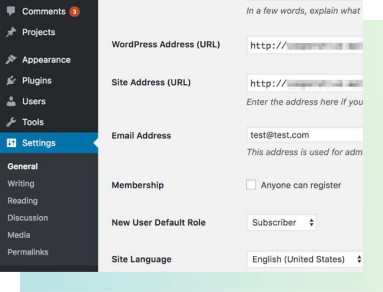
Using WordPress Themes and the Customizer
What is a WordPress Plugin?

GiveWP
Allows you to accept online donations through custom forms as well as keep track of your donation database from your admin dashboard.

Yoast SEO
Is another plugin that provides you with the tools you need to make sure your website is found on Google and other search engines.
The list goes on, but you can see all the free WordPress plugins by going to your Admin Dashboard and finding “Plugins > Add New.”
Free & premium plugins
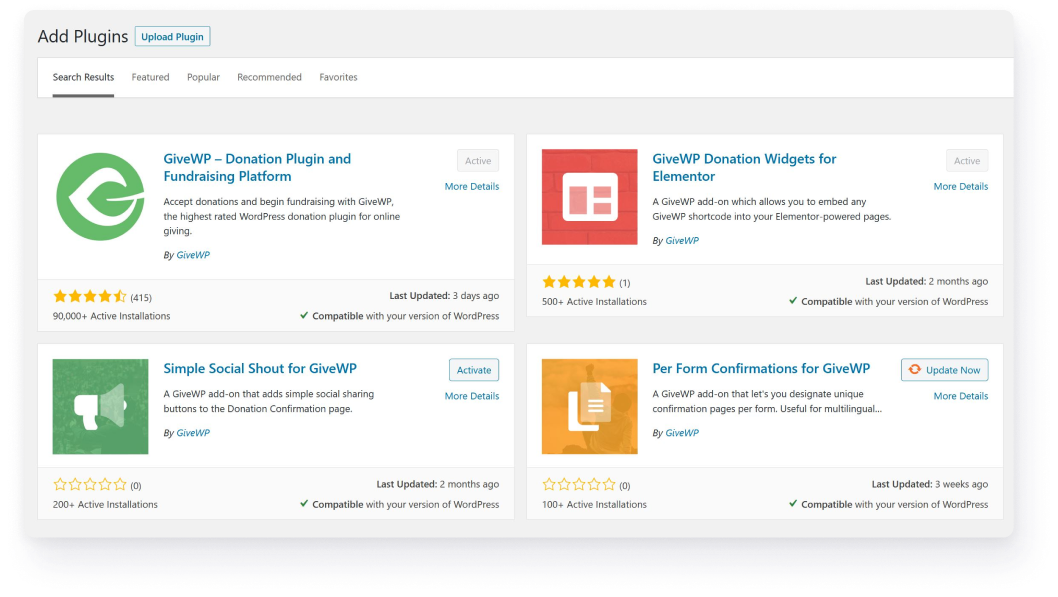
Many WordPress plugins start free. You can find all the free – and safe – WordPress plugins directly from the admin panel on your website.
Most of these plugins also have paid options available. To find the paid options for any WordPress plugin, you might see notifications in your admin dashboard. Or, you can check out their website to see what else they offer.
GiveWP
Offers a multitude of premium add-ons that allow you to add more functions to your donation forms, like recurring donations or fee recovery.
Yoast SEO
Also offers a free version alongside their multitude of premium SEO plugin options. Each one provides you with different tools.
Get Started with More WordPress Resources
Overall, getting started with WordPress is fairly simple. You can create a simple fundraising website in minutes or build an entire donation search engine from scratch using custom code. The possibilities are endless.
Now that you have a basic understanding of WordPress, let’s move on to the basics of GiveWP by learning how to properly install and activate plugins and their add-ons.